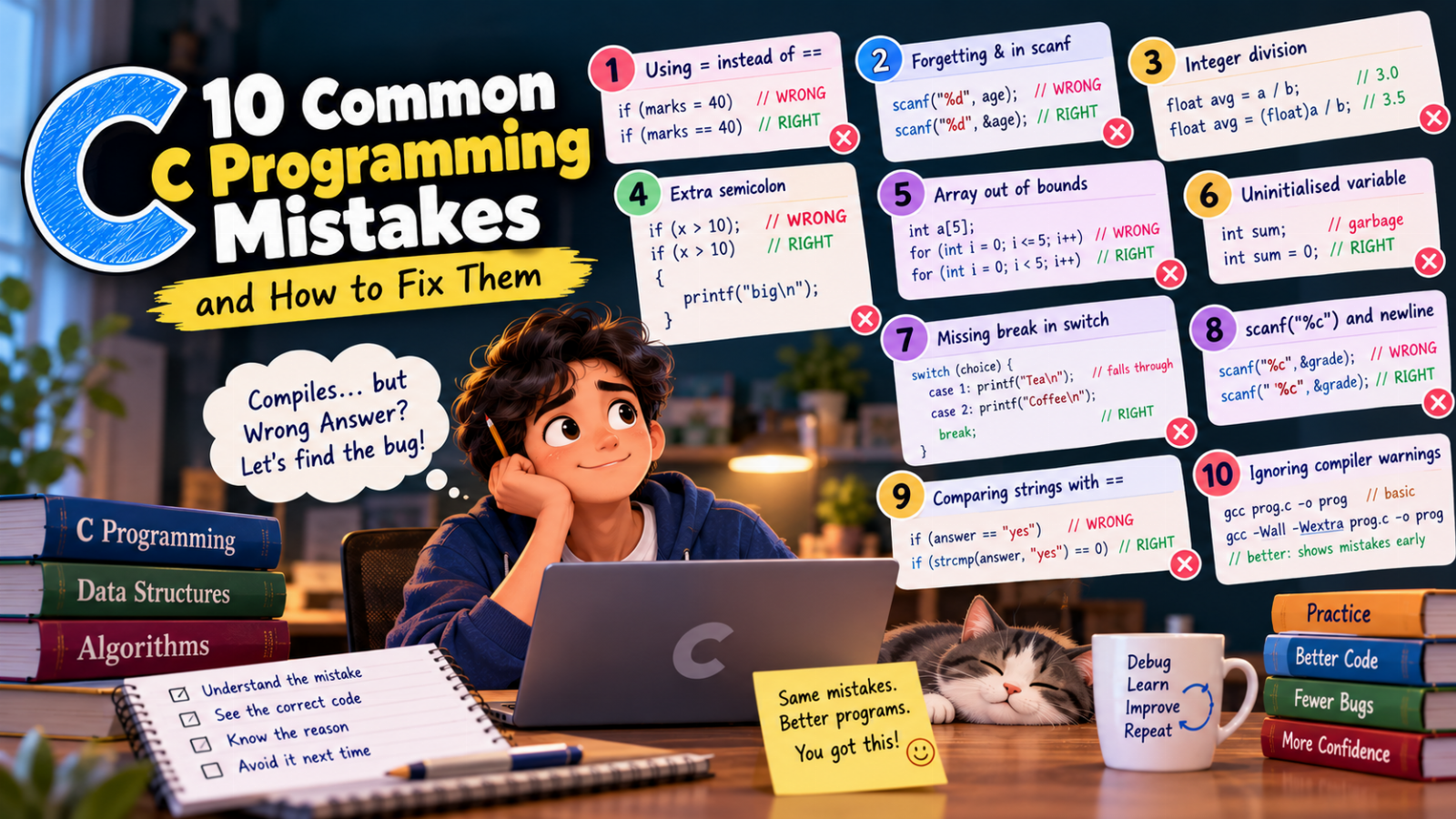
Every C programmer has stared at a program that compiles perfectly and still gives the wrong answer.
The good news: beginners make the same few mistakes again and again. Once you know them, you will spot them in seconds — in your own code and in exam questions that are designed to trick you.
Here are the ten most common ones, each with the wrong code, the fix, and the reason.
1. Using = instead of ==
int marks = 35;

if (marks = 40)          // WRONG
    printf("Pass\n");
This always prints Pass. A single = is assignment: it puts 40 into marks, and the value of the whole expression is 40 — which is non-zero, so C treats it as true.
if (marks == 40) // RIGHT: comparison
Tip: compile with warnings turned on (gcc -Wall prog.c). The compiler will warn you about an assignment inside a condition.
2. Forgetting the & in scanf
int age;
scanf("%d", age);        // WRONG
scanf("%d", &age);       // RIGHT
scanf has to store the number in your variable, so it needs the variable's address — that is what & gives. Without it, scanf uses the garbage value inside age as an address and writes somewhere random. The program may crash or silently corrupt other data.
Exception: strings. scanf("%19s", name) has no &, because an array name already is an address.
3. Integer division
int a = 7, b = 2;
float avg = a / b;       // avg = 3.000000, not 3.5!
When both operands are integers, C does integer division and throws the fraction away. Storing the result in a float afterwards does not bring it back.
float avg = (float) a / b;   // 3.500000
float avg2 = a / 2.0;        // also works: 2.0 is a double
The same trap catches 1 / 2, which is 0, so a formula like area = 1 / 2 * base * height always gives 0.
4. A semicolon after if, for or while
if (x > 10);             // WRONG: the ; is an empty statement
    printf("big\n");     // always runs
for (int i = 0; i < 5; i++);   // WRONG: loops 5 times doing nothing
    printf("Hi\n");            // prints once
The semicolon ends the if or the loop right there. Remove it — and always use braces { }, even for one line:
if (x > 10)
{
    printf("big\n");
}
5. Going one step past the end of an array
int a[5];

for (int i = 0; i <= 5; i++)   // WRONG: also touches a[5]
    a[i] = 0;
An array of size 5 has indexes 0 to 4. a[5] is not part of the array — and C does not check. Writing there quietly changes other variables, which leads to some of the strangest bugs you will ever see.
for (int i = 0; i < 5; i++) // RIGHT
6. Using a variable before giving it a value
int sum;                       // WRONG: sum holds garbage

for (int i = 1; i <= 10; i++)
    sum += i;
Local variables in C are not set to 0 automatically. They contain whatever was in that memory before.
int sum = 0; // RIGHT
The same goes for counters, products (start at 1) and "largest so far" values (start with the first element, not 0 — otherwise an array of negative numbers gives the wrong maximum).
7. Forgetting break in a switch
switch (choice)
{
    case 1: printf("Tea\n");
    case 2: printf("Coffee\n");
    default: printf("Water\n");
}
With choice = 1 this prints Tea, Coffee and Water. Once a case matches, C keeps running into the following cases ("fall-through") until it meets a break.
case 1: printf("Tea\n");    break;
case 2: printf("Coffee\n"); break;
default: printf("Water\n");
8. scanf("%c") reading the leftover Enter key
int age;
char grade;

scanf("%d", &age);
scanf("%c", &grade);     // WRONG: reads the '\n' left by Enter
When you type 20 and press Enter, %d reads 20 but leaves the '\n' in the input buffer. The next %c happily reads that newline instead of waiting for you.
scanf(" %c", &grade); // RIGHT: the space skips spaces and newlines
9. Comparing strings with ==
char answer[10];
scanf("%9s", answer);

if (answer == "yes")             // WRONG: compares addresses
This is never true, even when the user types yes. == compares where the two strings are stored, not the text.
#include <string.h>

if (strcmp(answer, "yes") == 0)  // RIGHT: 0 means equal
10. Ignoring compiler warnings
This one is not a single bug — it hides all the others.
Beginners often see a warning, notice the program still runs, and move on. But most of the mistakes in this list produce a warning first:
- assignment used as a condition (
if (x = 5)) - format
%dexpectsint *(missing&inscanf) - variable used uninitialised
- implicit declaration of a function (missing
#includeor prototype)
Compile like this and read every warning:
gcc -Wall -Wextra prog.c -o prog
A program with zero warnings is not guaranteed to be correct — but a program with warnings is very often wrong.
A simple debugging habit
When a program prints the wrong answer, don't change random lines and hope. Instead:
- Print the values of your variables at important points:
printf("i=%d sum=%d\n", i, sum); - Trace by hand with a small input, writing each variable's value in a table.
- Find the first line where the real value differs from what you expected. The bug is there.
Learn to spot these mistakes visually
Many of these bugs are much easier to understand when you can watch the program run. In our free interactive C course every lesson has a "Common mistakes" section and a lab that runs the code line by line, for example:
- Relational and logical operators —
=vs== - Input with scanf — the missing
&and the leftover newline - switch — remove the
breaks and watch the fall-through - Arrays — write
a[5]and see what it overwrites
Quick checklist
Before you submit a program, check:
-
==in every comparison -
&before every non-array variable inscanf - at least one
double/floatoperand in divisions that need decimals - no
;straight afterif,fororwhile - loops over arrays use
i < size - every variable has a value before it is used
- every
caseends withbreak(unless you really want fall-through) -
" %c"with a space when reading a character -
strcmpfor strings - zero compiler warnings with
-Wall
Keep this list next to you for your next lab session — and enjoy spotting these bugs in your friends' code too.